[ Aesthetic Library ]
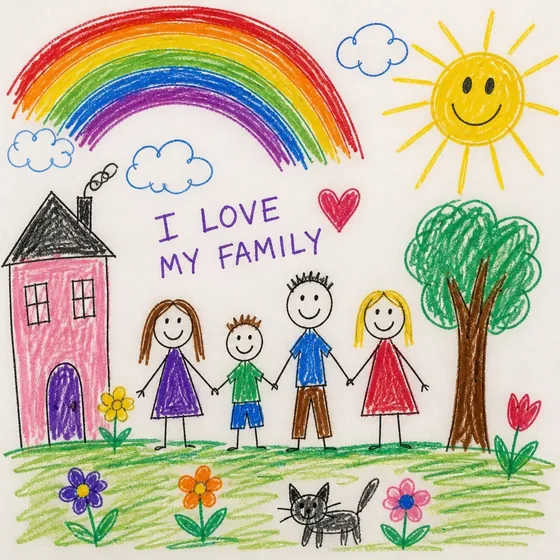
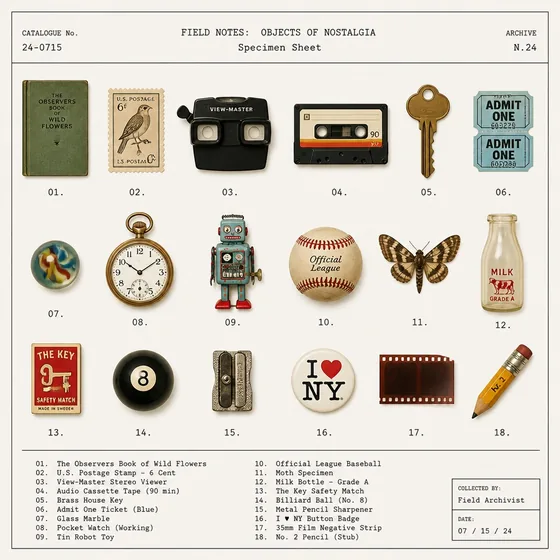
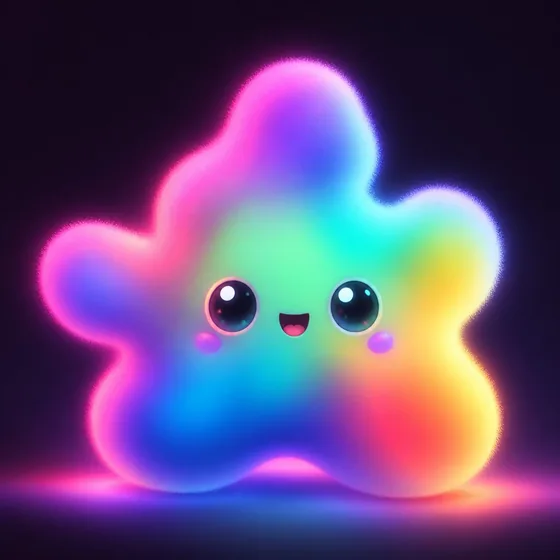
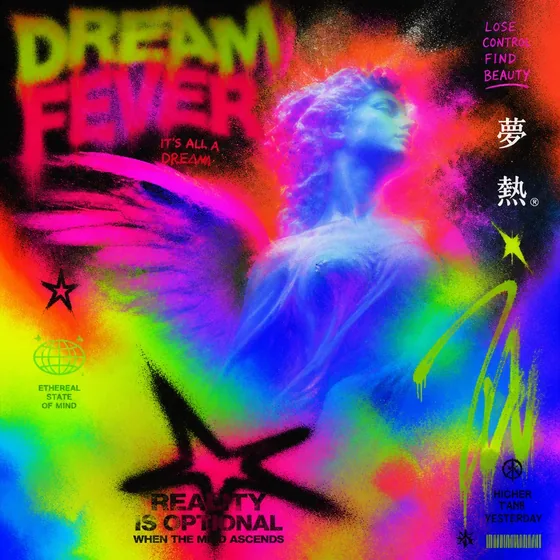

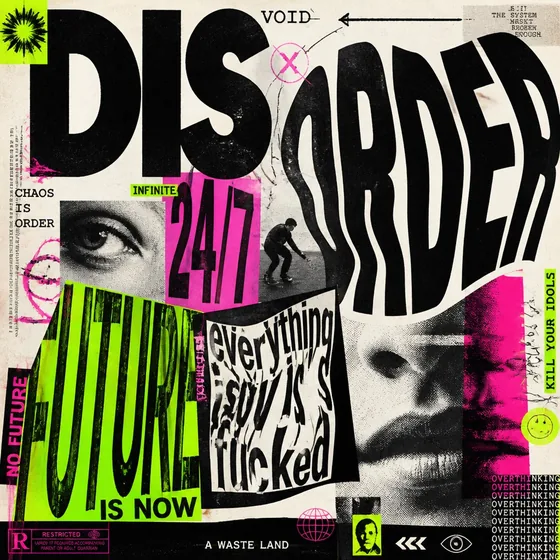
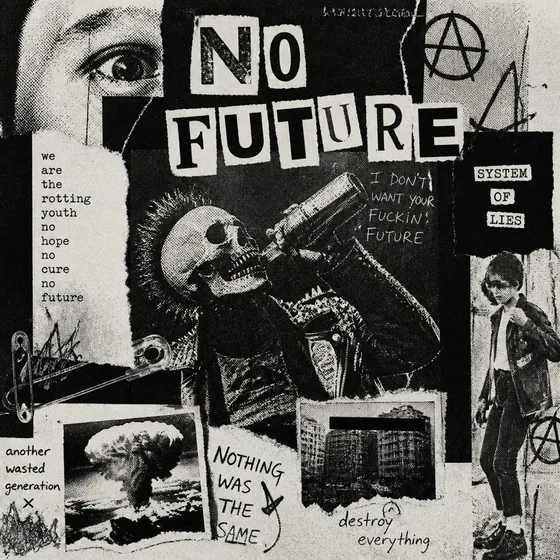
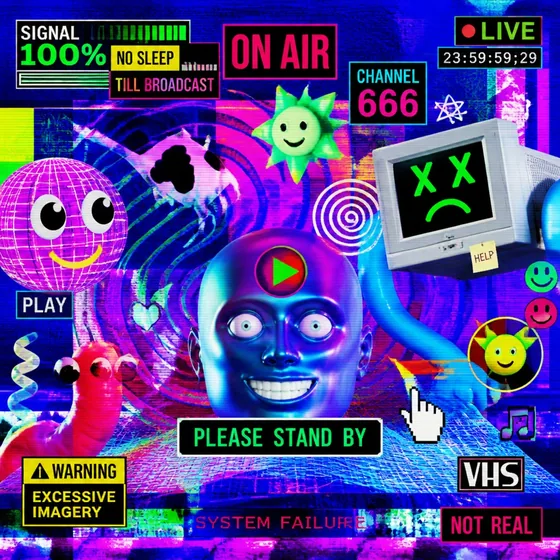
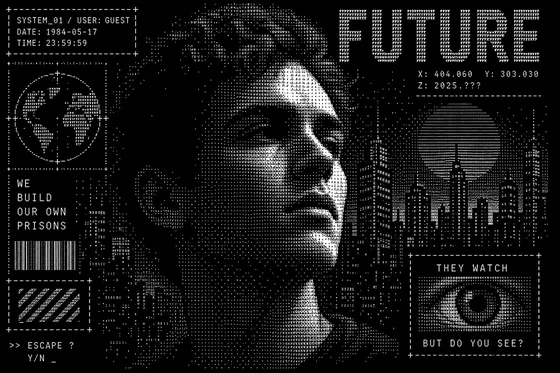
Trend Tap _ turns curated 2026 design trends into Weave-ready prompts in one tap. Built for Figma Make an Image, Midjourney, and your favorite image gen models.
[ The Process ]
Install Plugin
Free on Figma Community. Works in Figma Desktop and the web app.
Select a Frame
Click the canvas node you want to generate for. Multi-select works too.
Browse Trends
10 curated 2026 aesthetics with example imagery and full prompt libraries.
Pick a Mode Plus
Single sticker, sheet layout, Chibi, Patches, or clean prompt — your call.
Tap to Copy
Prompt lands on clipboard. Creative direction saves to the frame.
[ Aesthetic Library ]
[ Capabilities ]

One-Tap Prompts
No formatting needed. Perfectly layered, Weave-optimised output every time.

Aspect Ratio Presets
16:9, 9:16, 4:3, 3:4, 1:1 — auto-resizes your frame to match.

Plus Creative Modes Plus
Stickers, Chibi, Patches, — stackable with any trend.

Trend Persistence
Applied trend and prompt save to your Figma node as structured metadata.

2026 Trend Library
10 curated aesthetics, Updated for the year.
[ Creative Engines ]
4
Specialized prompt modes to transform any trend into a specific medium.
Stickers
Die-cut white borders, flat lighting, vinyl texture — single or 18-up sheet layout.
Subject Themes
Lock prompts to a category — Animals, Food, Architecture, and 5 more.
Chibi
Exaggerated proportions, big eyes, adorable outputs
Patches
Embroidered thread details, realistic fabric macro, felt texture.
[ Pricing ]
Unlimited Generations applies to prompts built inside Trend Tap only — not AI credits from Figma or other platforms. See FAQ
Get Plus Access[ FAQ ]
Clear answers on what Trend Tap does — and what it doesn't. Especially important: Unlimited Generations means unlimited prompts inside the plugin, not unlimited AI image credits elsewhere.
Plus removes the free tier's weekly limit on building and copying prompts inside Trend Tap. Each time you tap Copy & Use Prompt — whether you change trends, variations, Plus modes, themes, or aspect ratio — that counts as one prompt generation.
"Unlimited Generations" refers only to this in-plugin workflow. It does not mean unlimited AI image renders, Figma credits, or usage on external platforms.
No. Trend Tap is a prompt library and builder — it does not generate images itself. When you paste a prompt into Figma Make an image / Weave, Midjourney, DALL-E, FLORA, or any other image tool, that platform's own credits, quotas, and pricing still apply.
We do not bundle, sell, or subsidize third-party AI usage. Your Plus purchase unlocks Trend Tap features only.
One generation is used each time you tap Copy & Use Prompt in the plugin. Browsing trends, switching modes, or adjusting settings without copying does not count.
Free users receive 5 prompt generations per week, resetting every Monday. When you hit the limit, wait for the reset or upgrade to Plus for unlimited in-plugin prompt generations.
No. Trend Tap assembles layered, trend-specific prompts and copies them to your clipboard. You then paste that prompt into Figma's Make an image / Weave feature or any external image generator to create the actual image.
Think of Trend Tap as the creative-direction layer — the image render always happens in a separate AI tool that bills you on its own terms.
Yes. Prompts are plain text on your clipboard. Use them in Midjourney, DALL-E, Stable Diffusion, FLORA, or any tool that accepts text prompts.
Those services are independent of Trend Tap. Their subscription plans, credit packs, and usage limits are entirely between you and that provider.
Plus is a one-time purchase that unlocks:
All 10 design trends, unlimited prompt generations inside the plugin, Sticker + sheet layouts, Subject Themes, Chibi mode, Patches, Dithering ASCII color mode, and priority support.
The Figma plugin itself remains free to install — Plus activates inside the plugin with your license key.
Install Trend Tap from Figma Community (free). Open the plugin, enter the license key from your purchase confirmation email, and Plus unlocks immediately.
Activation requires an internet connection. After that, Plus continues to work offline for a limited grace period before re-validation is needed.
Your free quota resets every Monday. You can wait for the reset, or upgrade to Plus for unlimited prompt generations inside Trend Tap.
Either way, generating the actual image in Figma or another platform still consumes that platform's AI credits separately.
[ Who It's For ]
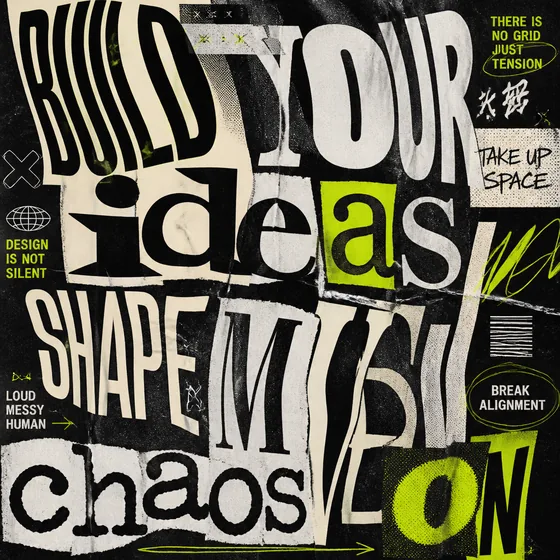
Product Designers
Prototype layouts with context-rich visuals in seconds. No prompt engineering required.
Marketing Teams
Keep visual social output consistent with what's culturally resonant right now.
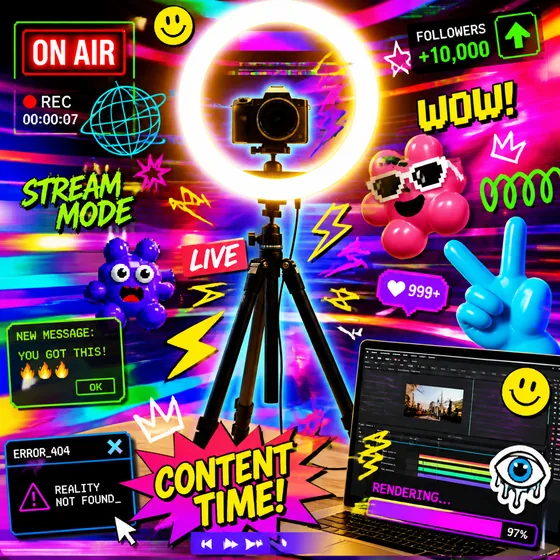
Content Creators
Generate thumbnail backgrounds that actually feel current.
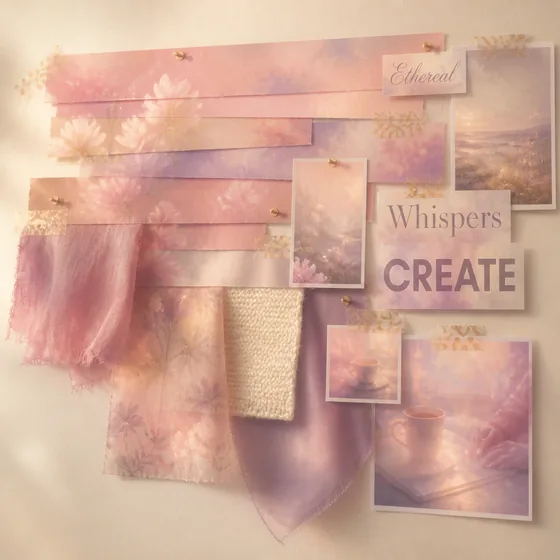
Creative Agencies
Build moodboards at speed. Creative direction stays attached to the Figma file.
Available now on Figma Community — free to install.
Get Trend Tap _Version 1.0 — 2026 trends